This batch action has two capabilities.
1. End an active auction early
If an auction is still active, you can close it before its scheduled end time.
🚫 Ending an auction prematurely will likely upset bidders who believe they still have a chance to win. This action is not recommended for items that have received bids.
To close an active auction, check off the items you want and click Close/Reject from the Batch Action menu.
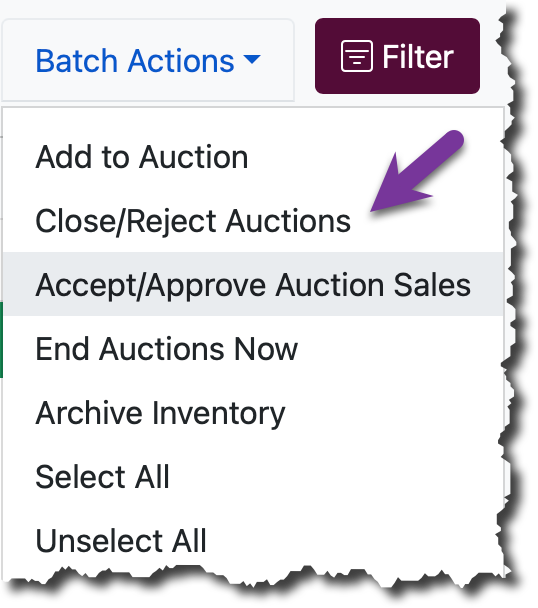
When selected, a confirmation window will appear.
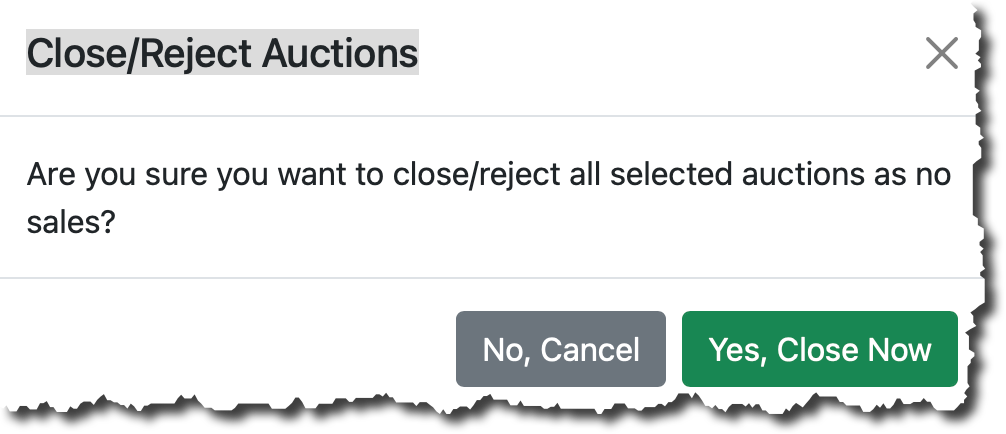
Select Close Now to proceed or No, Cancel to stop the action.
2. Reject unmet-reserve bids after close
This batch action also lets you reject bids on a completed auction when the bid didn’t meet the reserve price. We have a portal that lets you work the deal after the auction ends — see Bid Acceptance Portal for details.