This feature allows you to add multiple items to an auction without having to click on them one at a time.
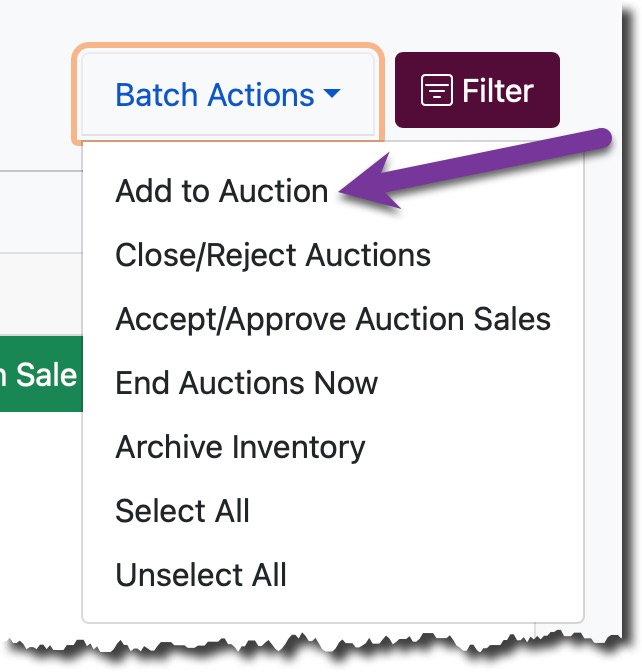
Simply check off the items you’d like to modify and then select Add to Auction from the Batch Action dropdown at the top.
A window will pop up allowing you to select your auction details.
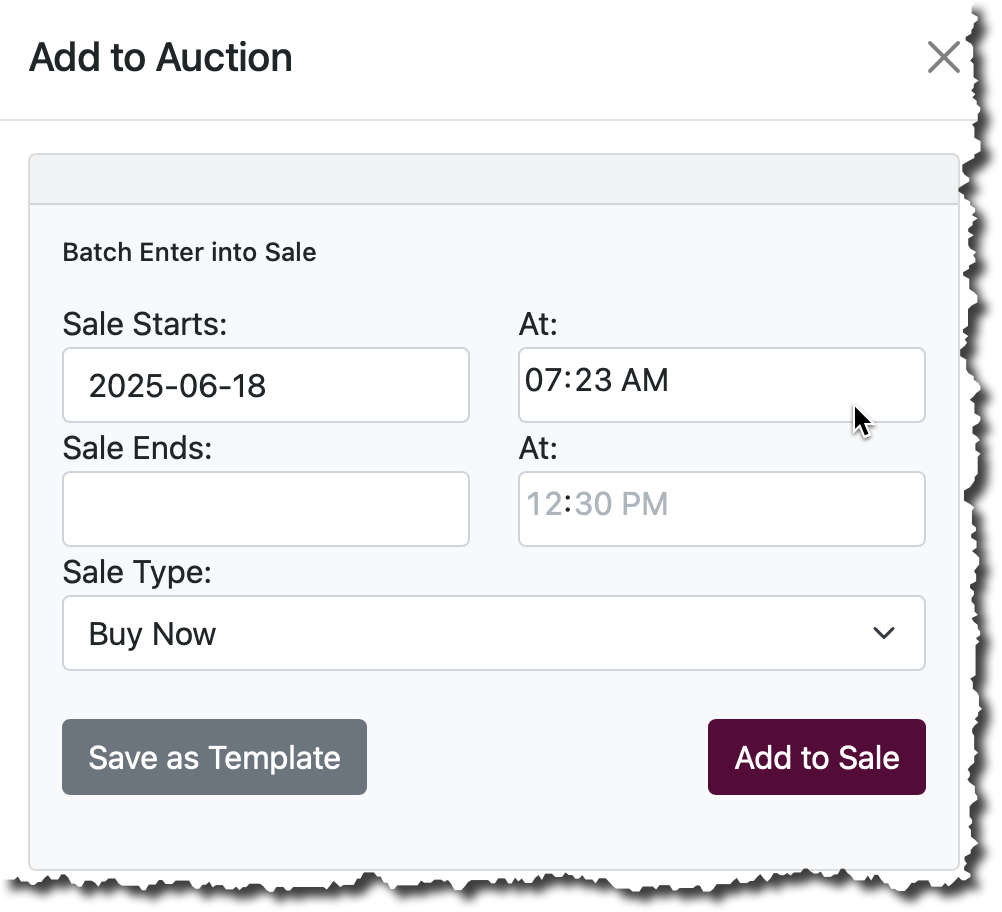
Once complete, click Add to Sale and your batch of items will be added to the auction.
See also: Batch Actions overview.